Everything OwAI can do with your media
Search exact moments, organize people and collections, automate library work with assistants, and optionally carry one searchable index across devices.
Alex Visheratin · Updated:
Search exact moments, organize people and collections, automate library work with assistants, and optionally carry one searchable index across devices.
Alex Visheratin · Updated:
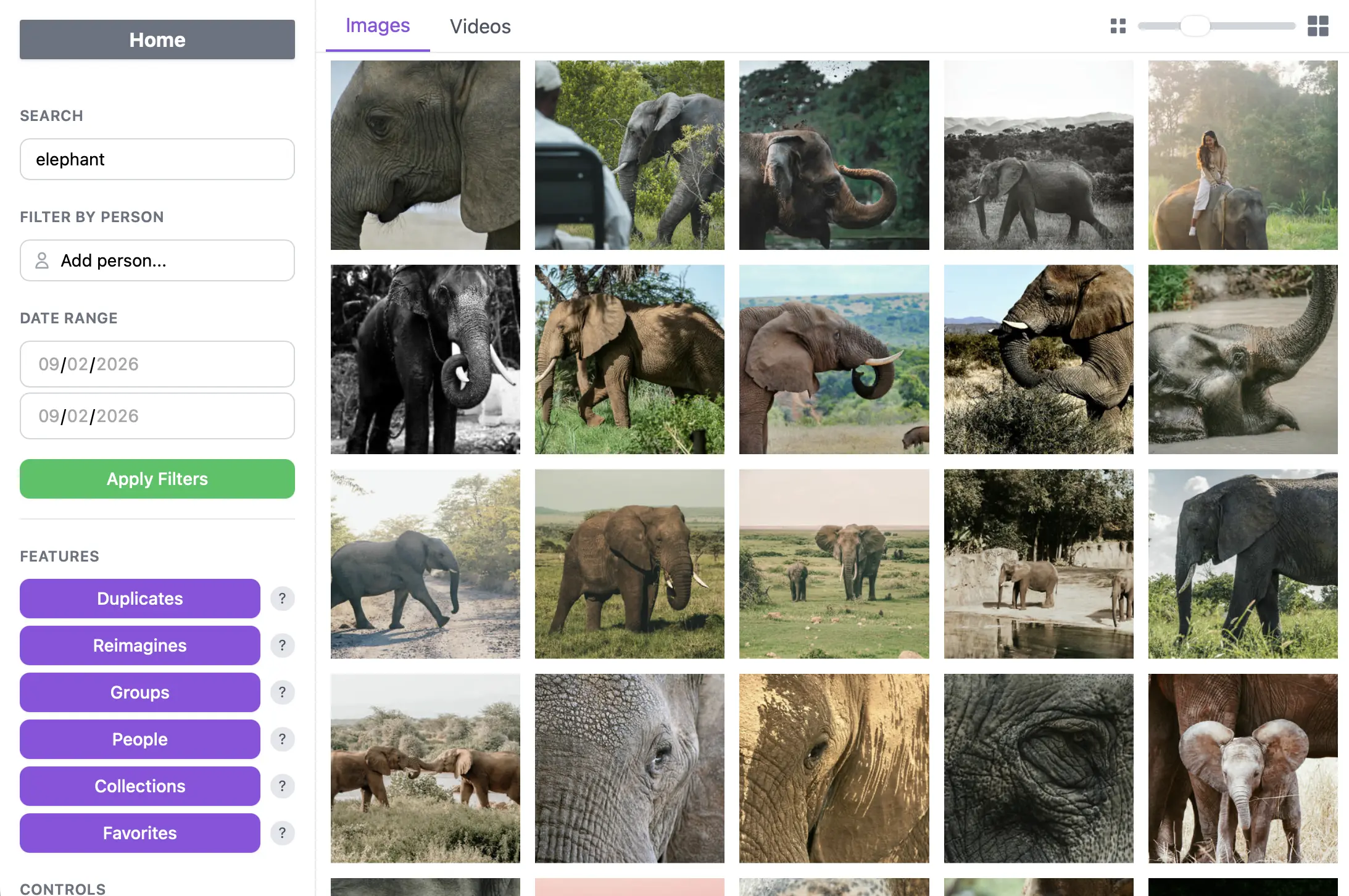
Describe a scene, use an image as reference, or combine people, dates, media type, and named-folder filters.
Learn more →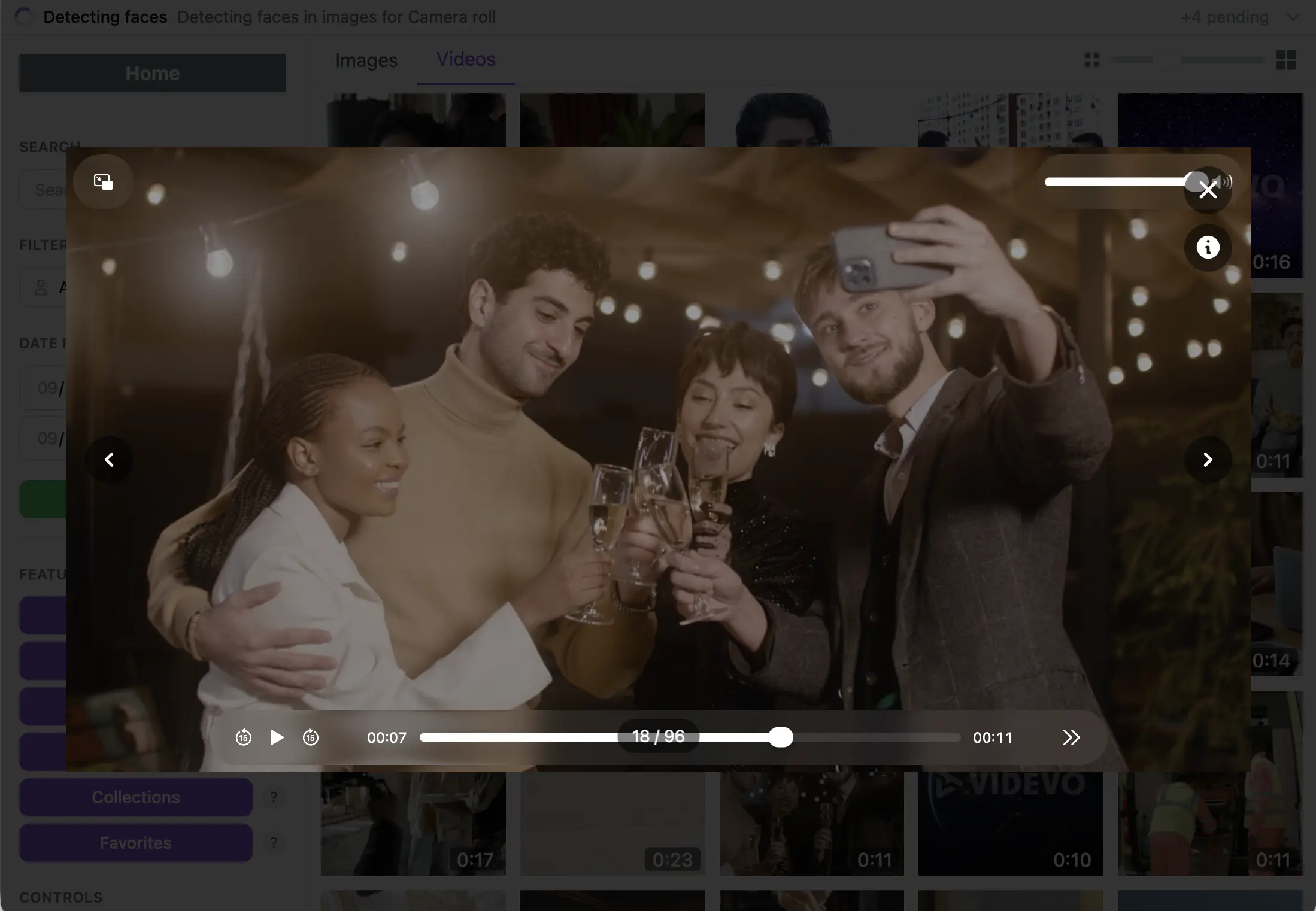
OwAI searches timestamped video frames, returns each video once, and opens the best-matching moment.
Learn more →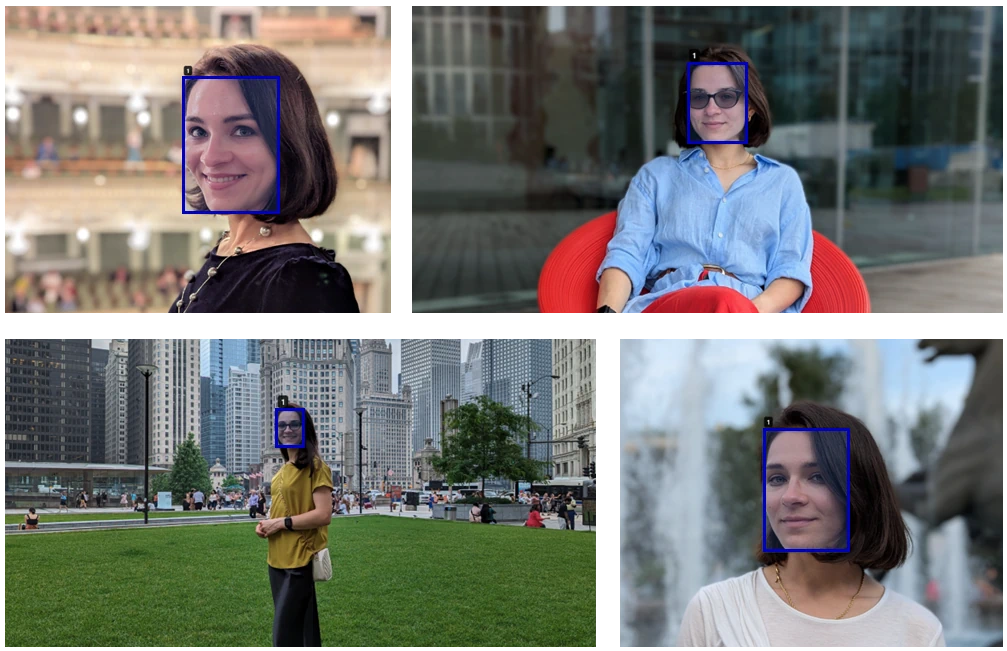
Detect faces locally, name people, and let OwAI find them across photos and sampled video frames.
Learn more →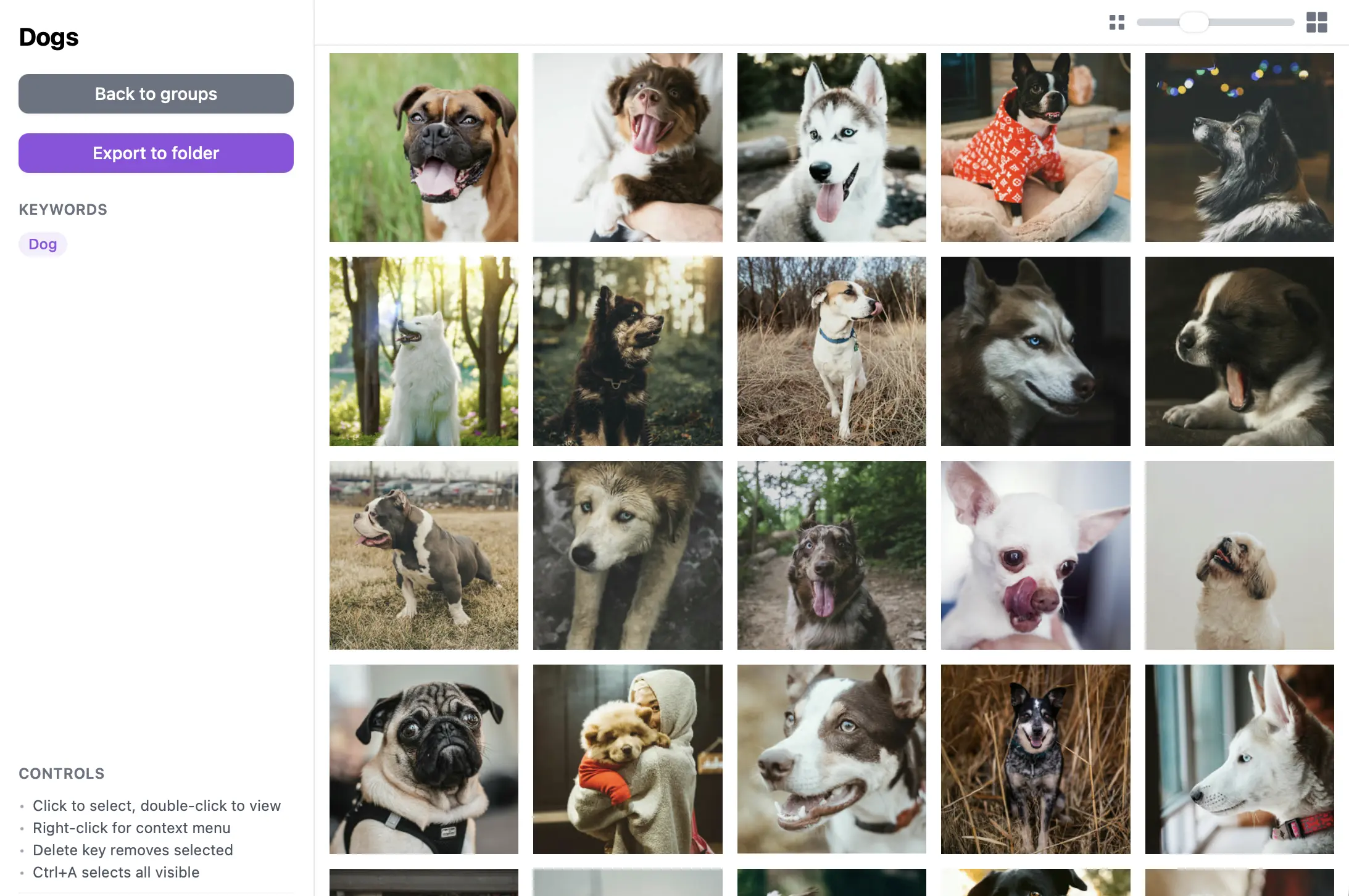
Build smart groups that expand automatically, curate photo and video collections, and keep favorites close.
Learn more →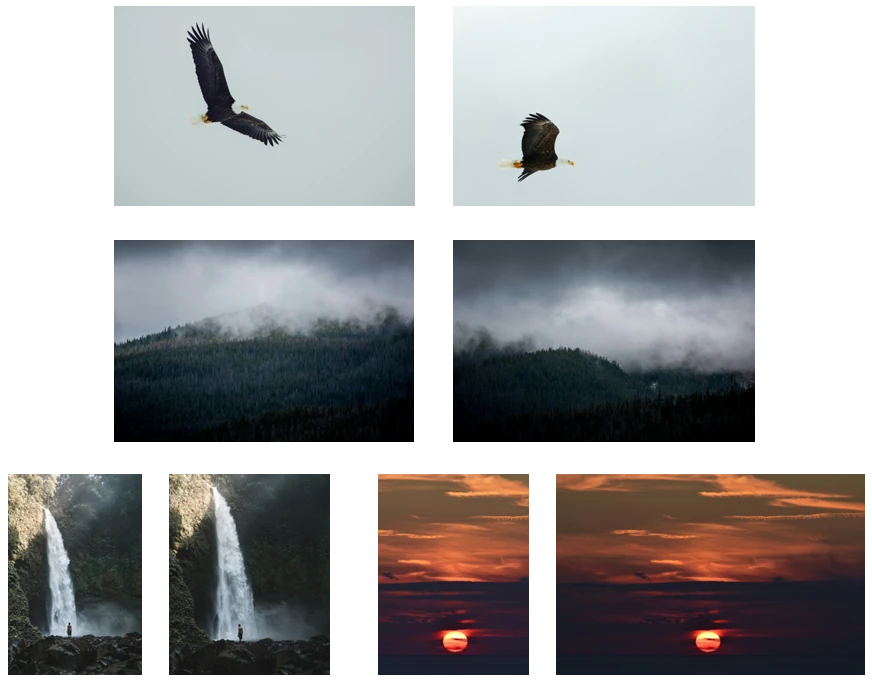
Find exact and visual duplicates, compare candidates, and keep control of every permanent deletion.
Learn more →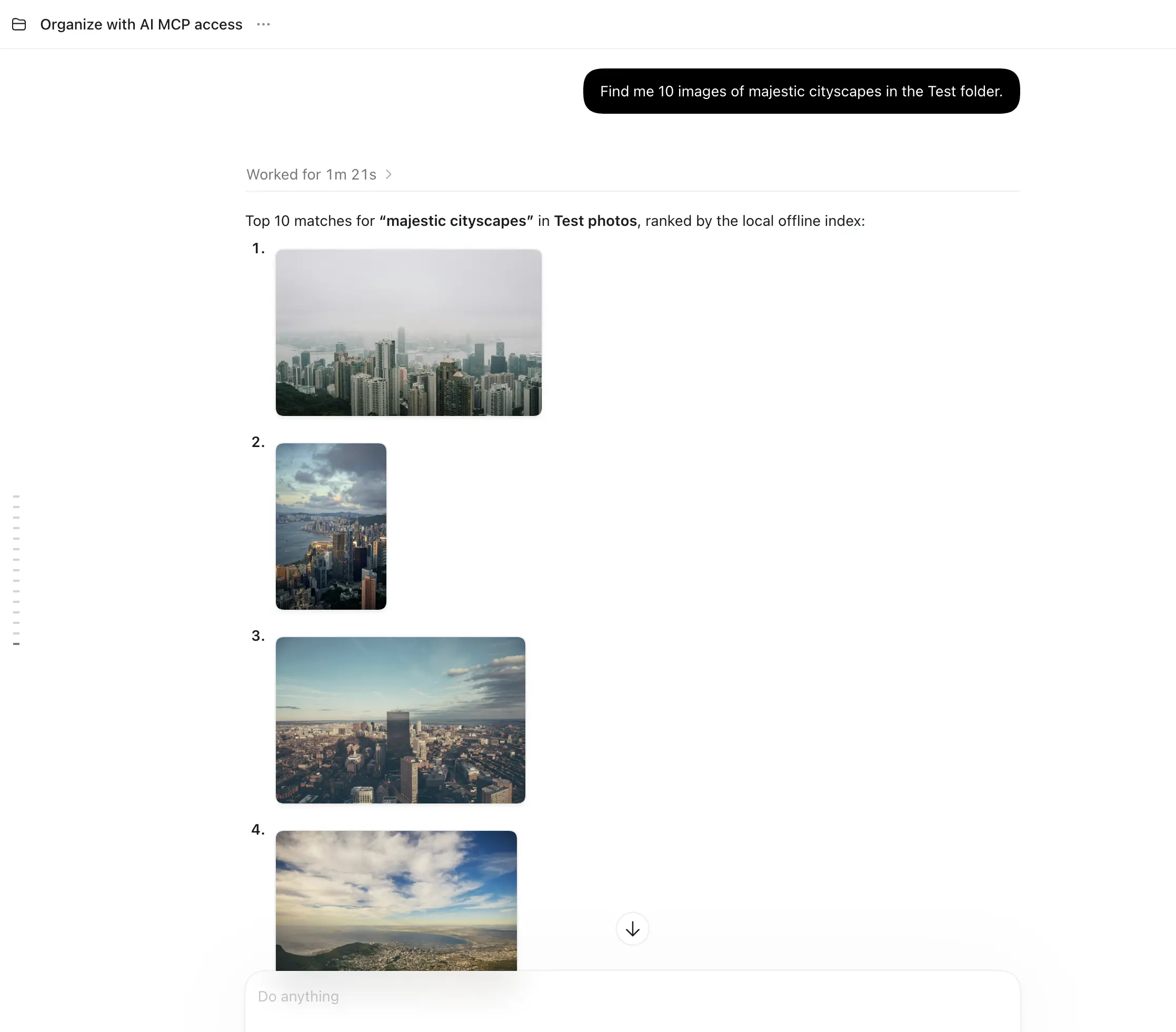
Connect compatible assistants through MCP to search and manage people, groups, collections, and duplicates.
Learn more →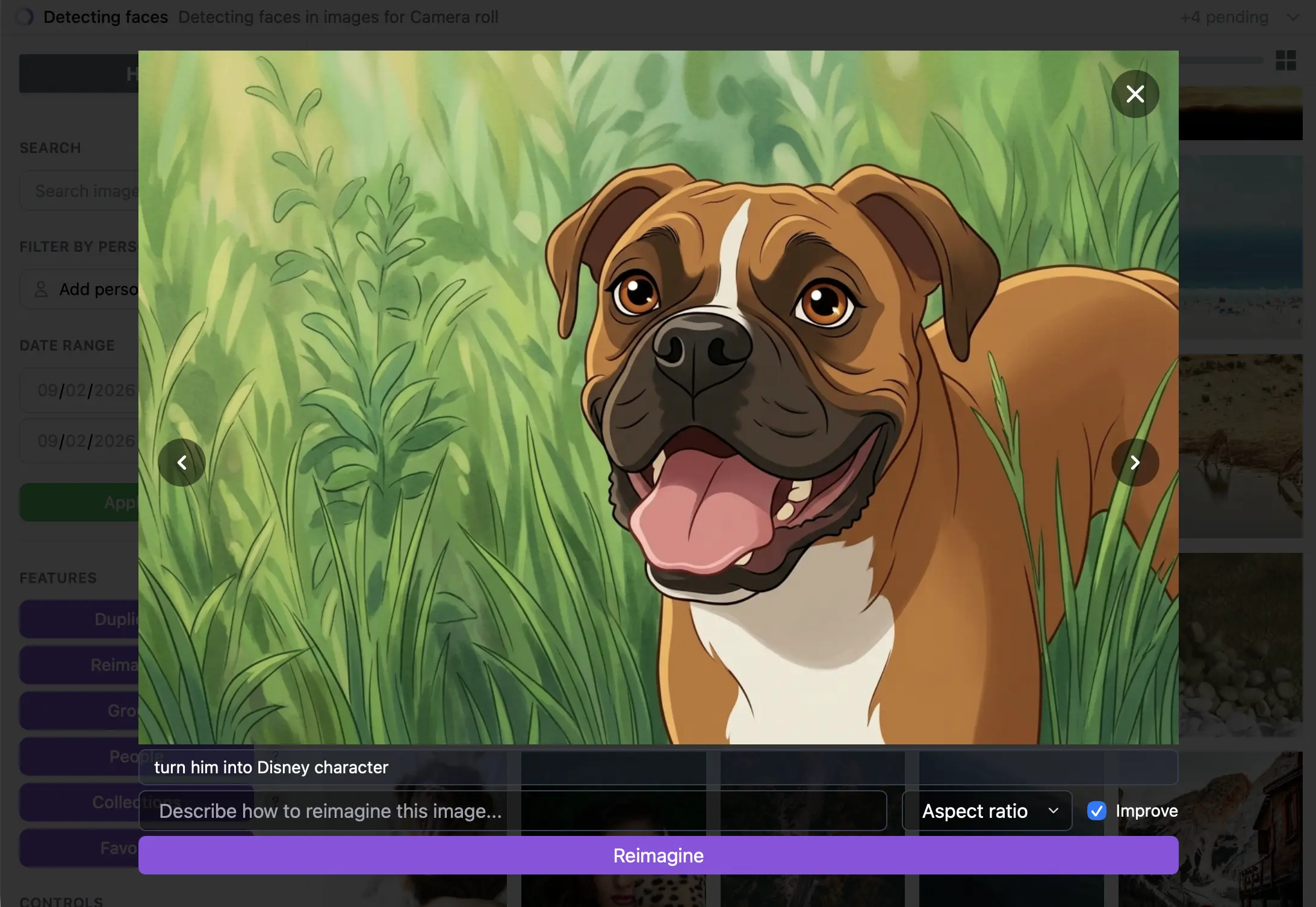
Create variations with Reimagine, add reusable watermarks, and export groups or collections to folders.
Learn more →Connect OneDrive folders and subfolders. Search scenes, people and video moments, organize collections and review duplicates without keeping a full local copy.
Learn more →Connect your System Photo Library or an album on macOS. Search photos and video moments, sync Photos albums and favorites, and publish smart groups as albums.
Learn more →Browse, index, search, and organize on your computer without an account. Original media stays on your device.
Learn more →Sync embeddings, metadata, and device locations for remote search. OwAI never stores originals, previews, or proxy clips.
Learn more →